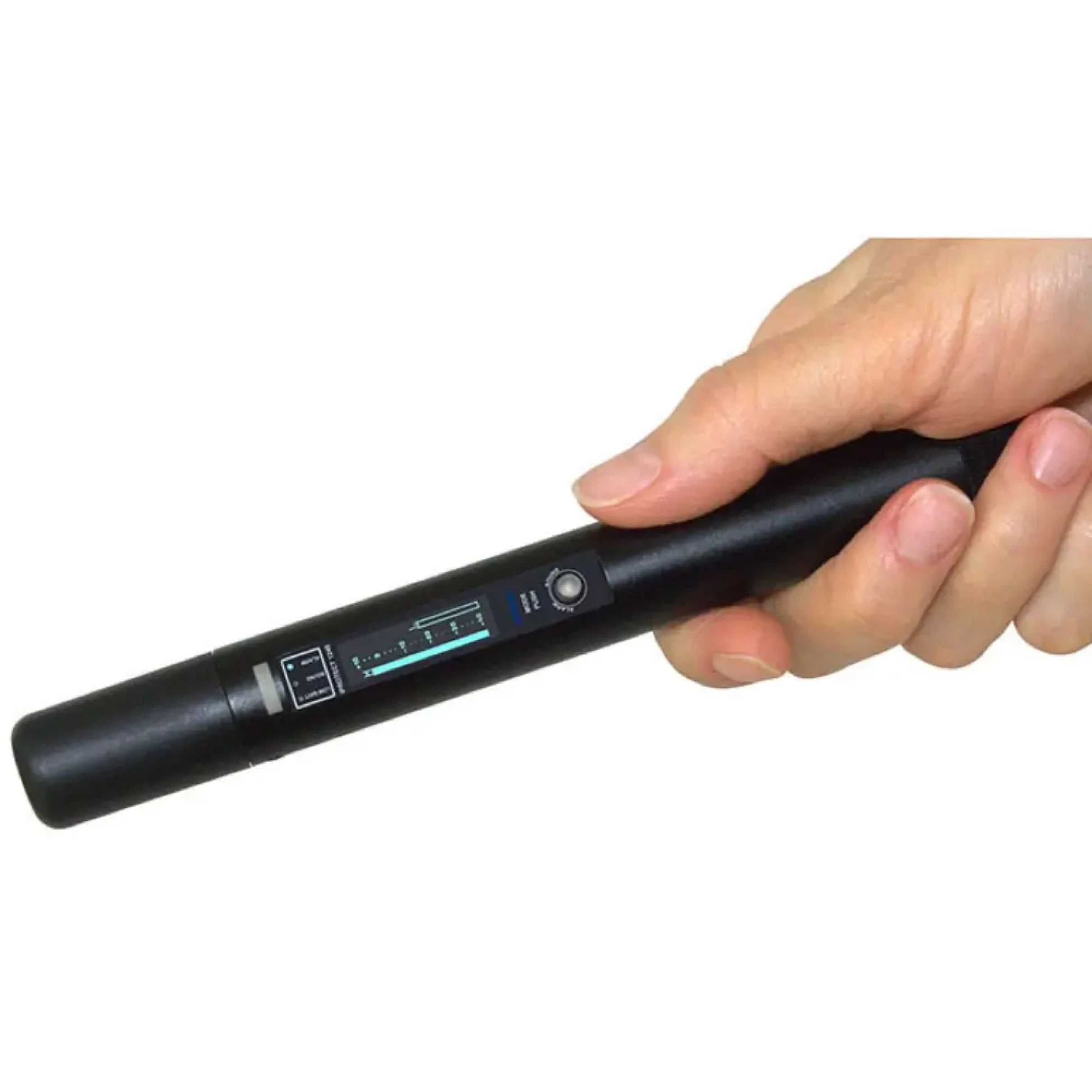
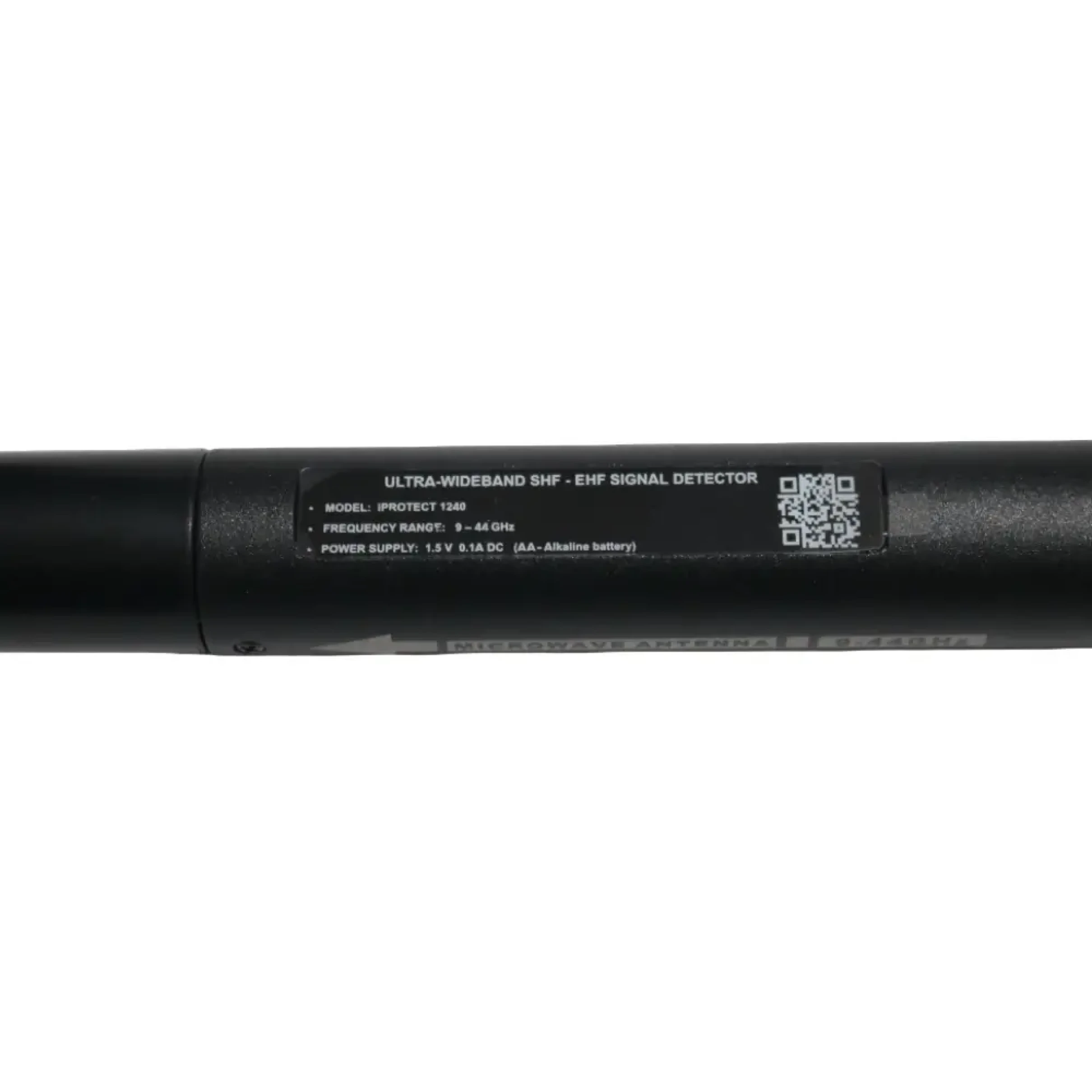
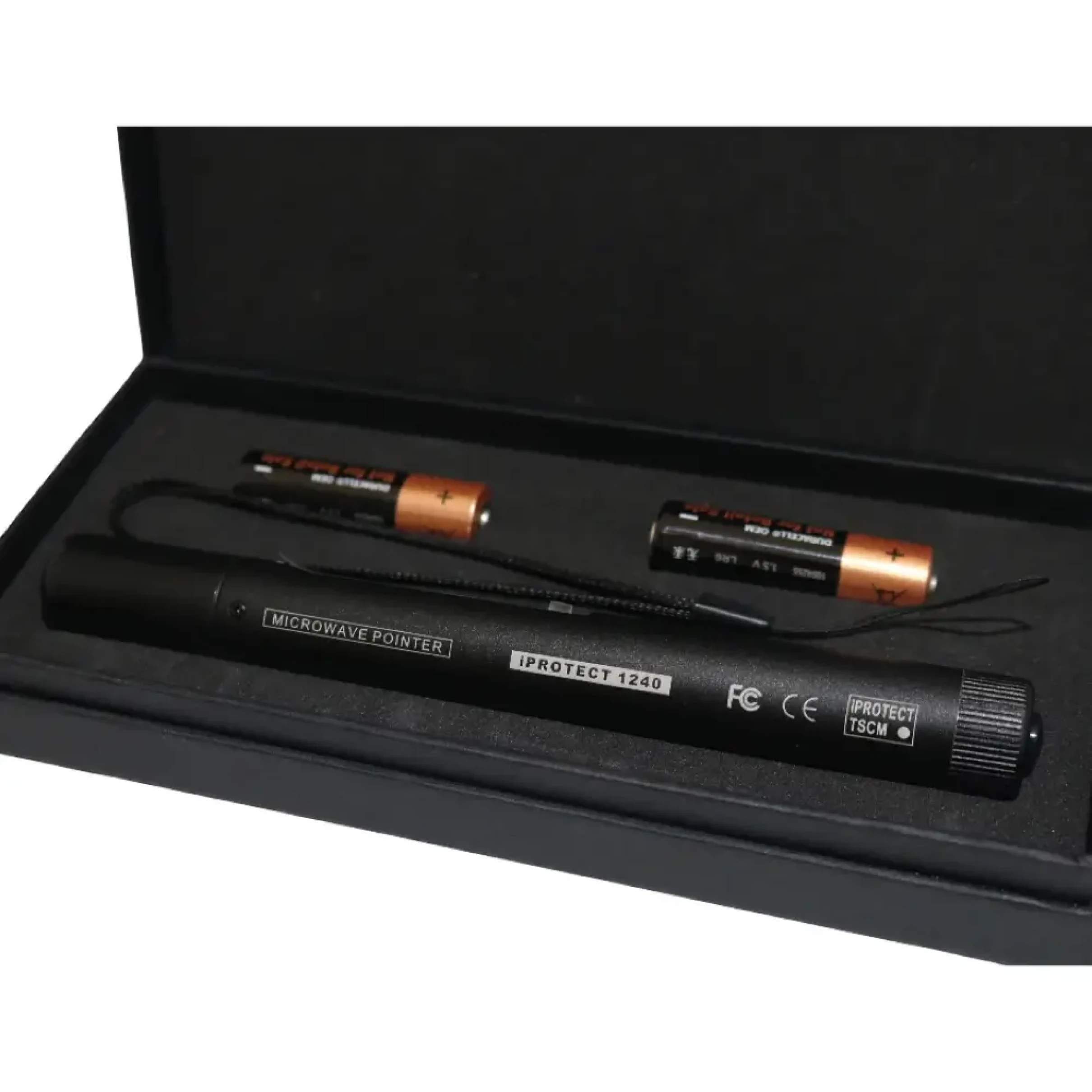
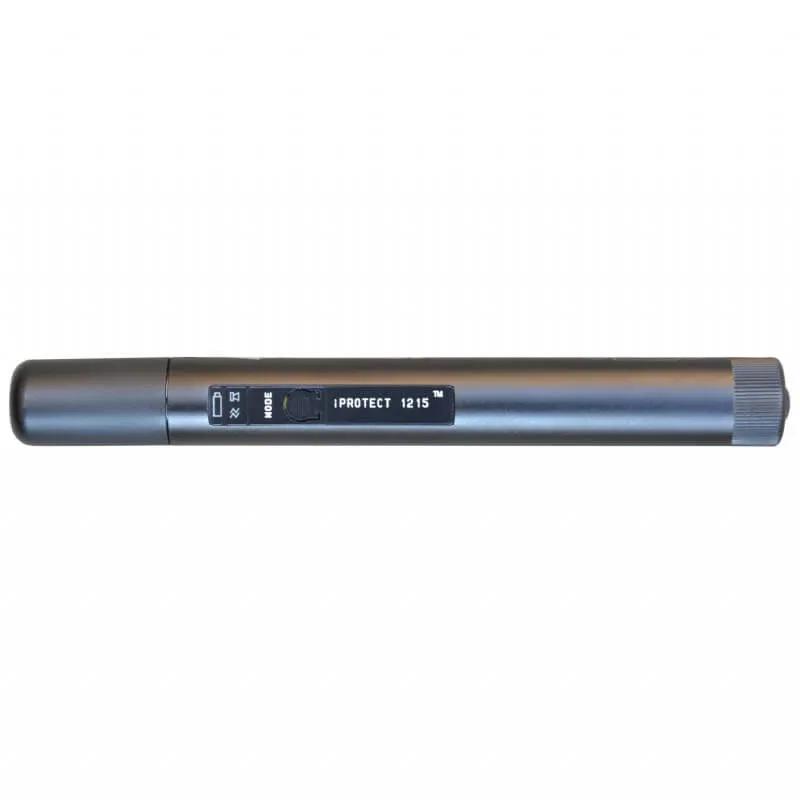
iProtect 1240 is a portable RF detector that works in the 9-44 GHz frequency range for 5G mmWave bands.
The new 2026 iProtect 1240 is designed to detect and identify covert surveillance devices operating in the millimeter-wave range - a frequency band invisible to standard RF detectors and many professional spectrum analyzers.
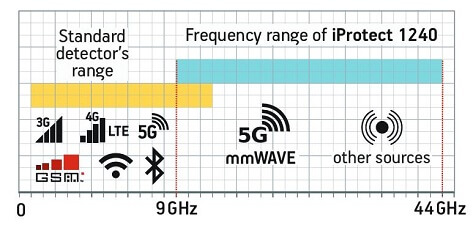
Standard RF detectors and spectrum analyzers normally work in the 0-6 or 0-12GHz frequency range and effectively detect signals within those limits. While most covert devices like WiFi and Bluetooth cameras, GSM bugs, 4G/LTE, etc., the iProtect 1240 has specifically been designed as an excellent and useful addition to the standard detectors by working in an ultra-higher range that is not covered and a blind spot to most RF detectors and analyzers.
As several 5G bands operate in those higher frequencies, the iProtect 1240 is made to find them. These can include mobile devices that use 5G millimeter-wave bands and transmit audio or video illegally, 5G mmWave access points, and similar bugging devices that use proprietary non-5G protocols.
The iProtect 1240 works in 3 operating modes:
Silent showing only visual indication,
Alarm with audio and visual alert, and
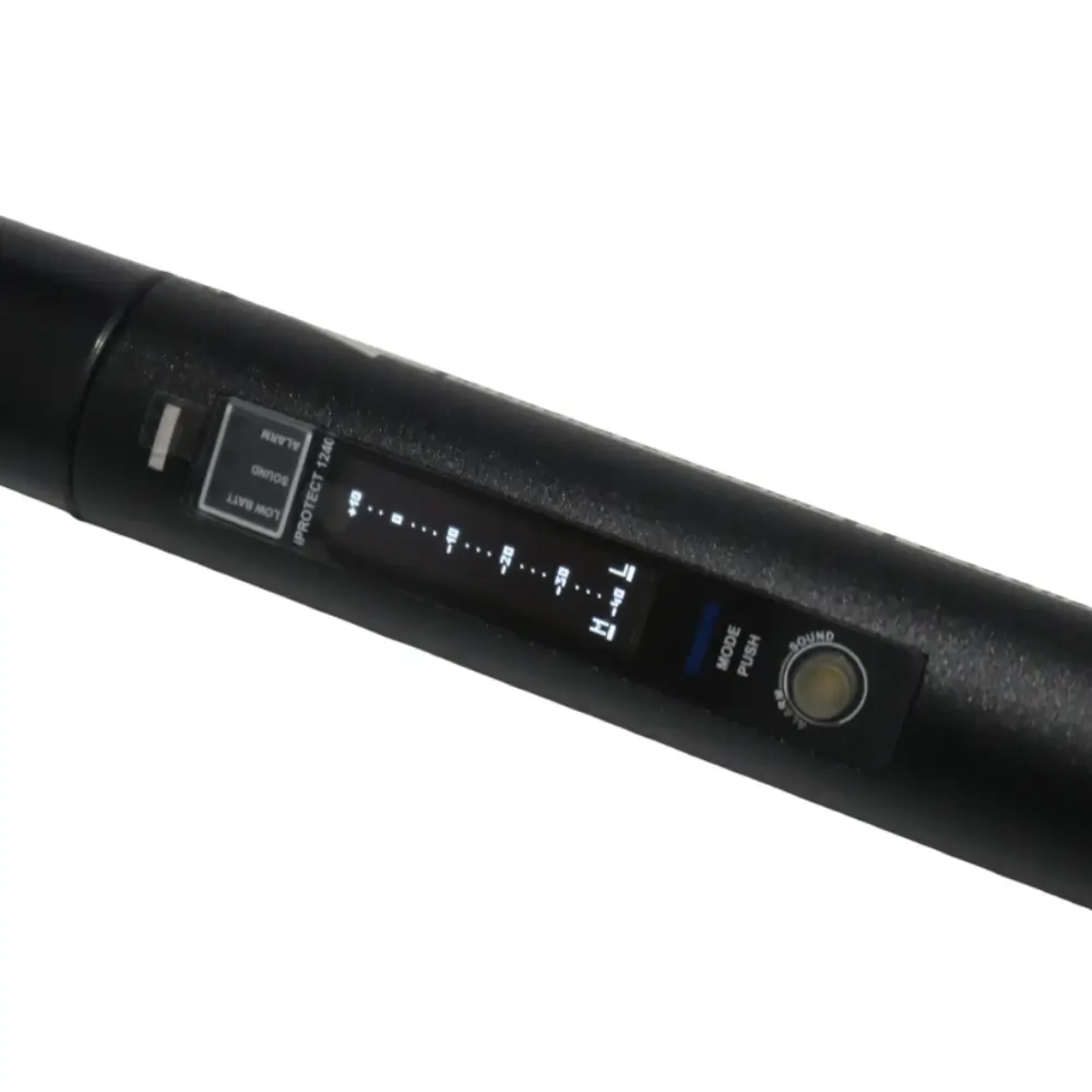
Sound with visual and amplitude component playback, so you will always be able to set it to how you want it to alert you to found signals. It also features a dual-level bargraph on the OLED display with
Modulation level and
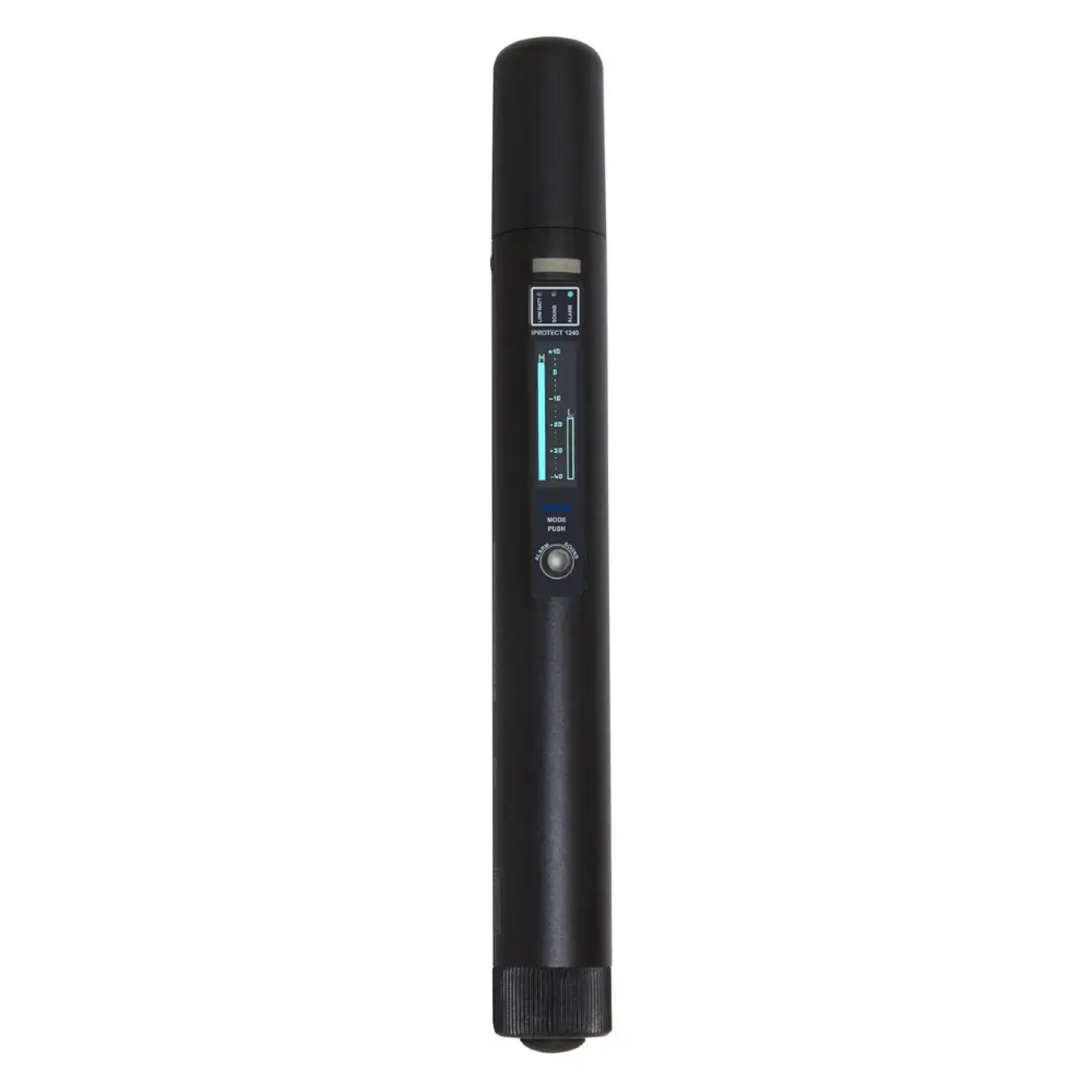
RF level. The Modulation level detects transmitters at longer distances, while the RF level is used for more precise localization. When the RF level is high, it means the transmitting device is close.
The iProtect 1240 detector has a built-in antenna with a 30° directional pattern to help find and localize any spying devices.
New for 2026: the iProtect 1240 in a Complete Detection Kit
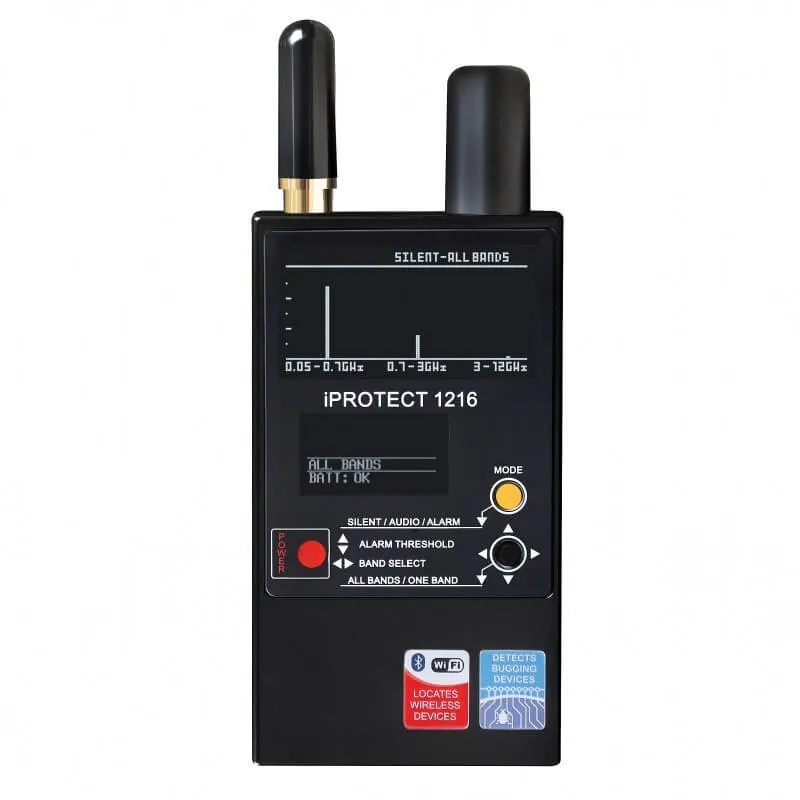
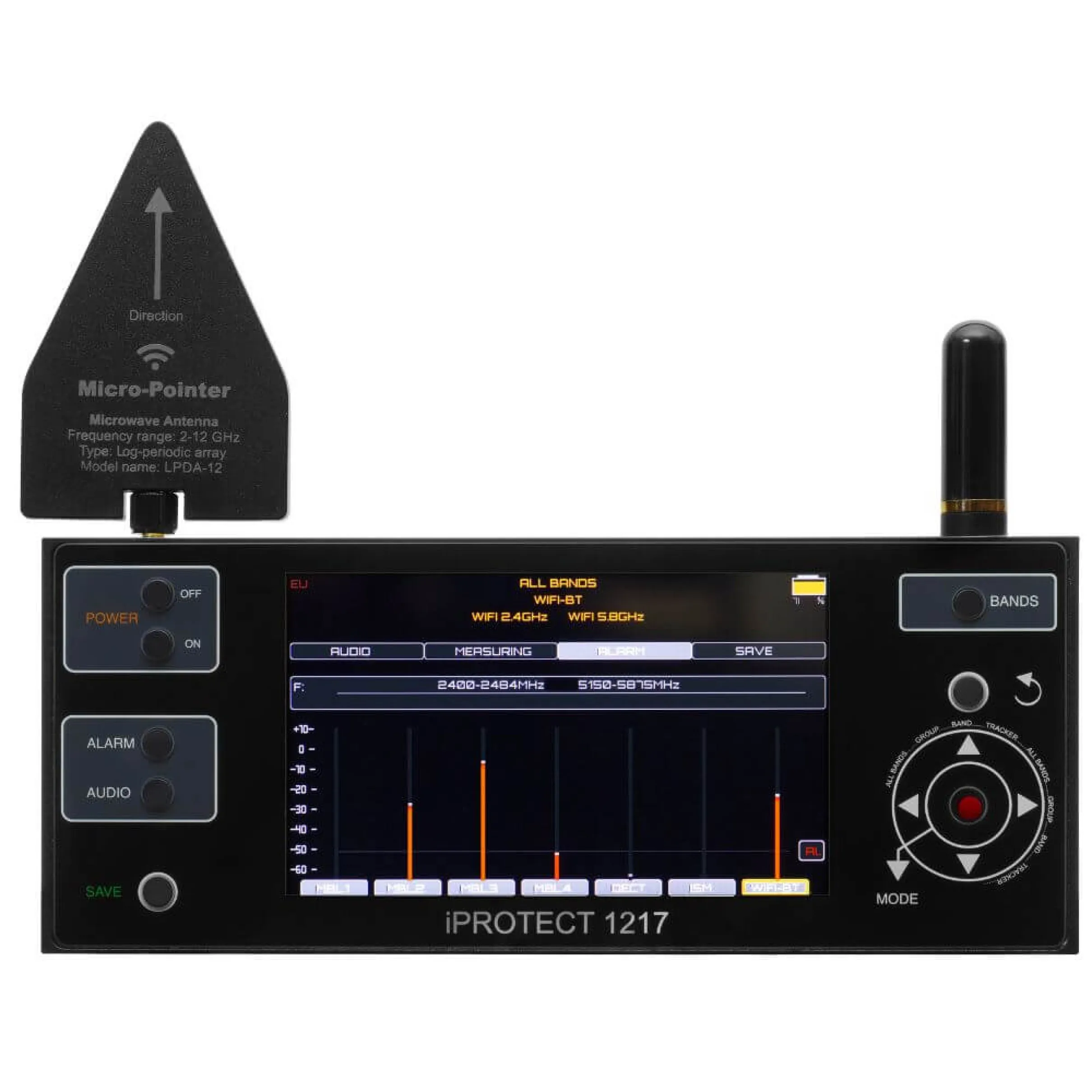
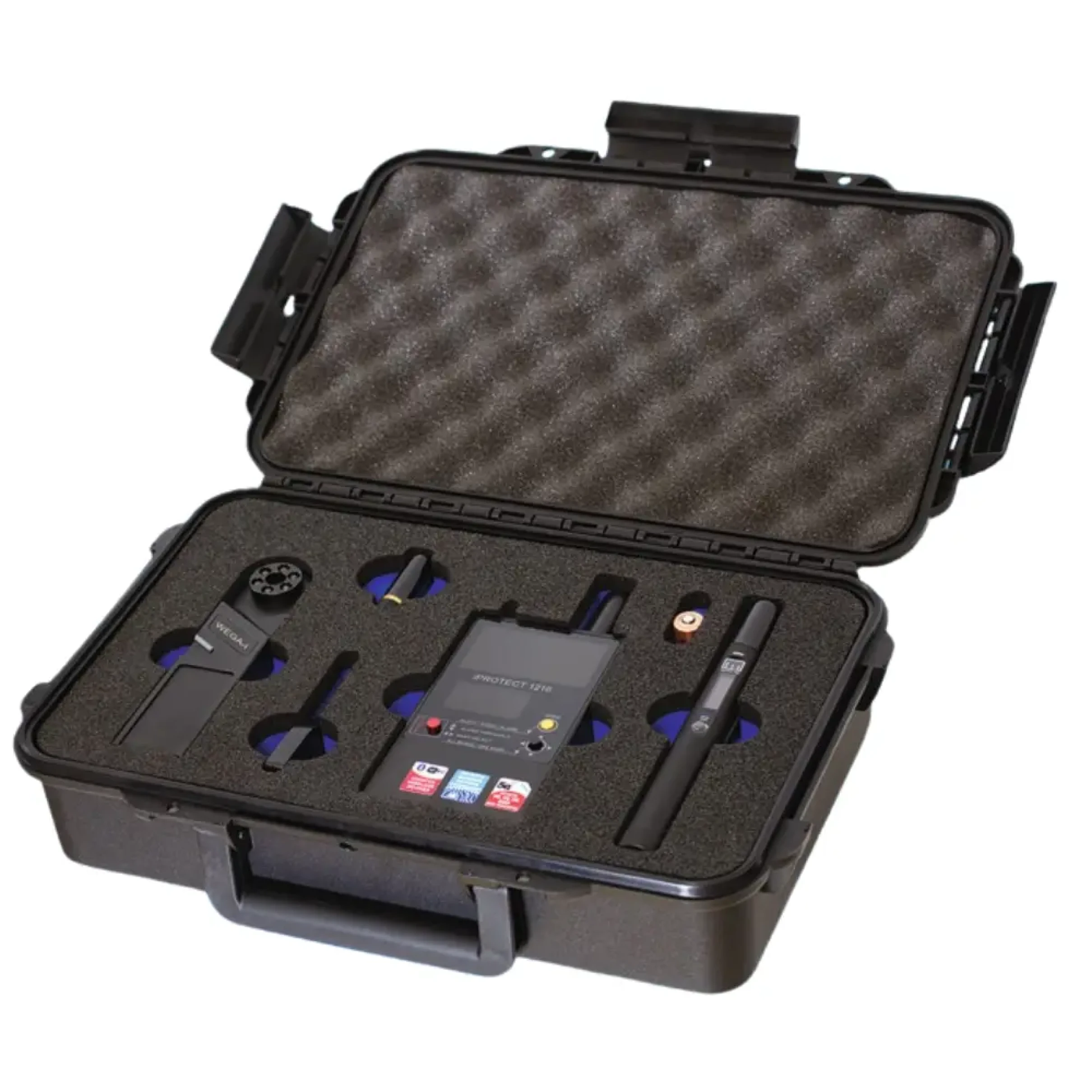
The iProtect 1240 now ships as part of the Protect TSCM Kit, the first Digiscan Labs kit to carry mmWave detection as standard. Paired with the iProtect 1216, it gives continuous RF coverage from 50 MHz to 44 GHz in one portable case, closing the gap between conventional detectors and the millimeter-wave range in a single kit rather than two separate purchases. The WEGA-i adds optical camera detection, and a 2.4 to 2.5 GHz bandpass filter with an LPDA-12 directional antenna sharpens locating in the crowded 2.4 GHz band.
iProtect 1240 5G Detector Main Features:
- Works in ultra-high-frequency range 9-44 GHz
- Valuable addition to professional sweep kits
- Ignores all signals below 9 GHz, simplifying operation and reducing false alarms
- Detects signals regardless of modulation type or transmitted content
- Three operating modes: Silent, Alarm, Sound
- Dual-level bargraph: Modulation Level for long-range detection + RF Level for precise localization
- 30 cm to 3 m detection range under standard conditions
- Built-in antenna with 30° directional pattern
- Compact and durable duralumin housing
- Powered by 1x AA alkaline battery (LR06)
- Low battery LED indicator and on-screen icon
- Battery life 10–20 hours
Digiscan Labs iProtect 1240 Full Specifications:
Frequency range: 9–44 GHz
Sensitivity-40 dBm
Modes:
Silent - visual indication only
ALARM - audio alert + visual
indication
SOUND - amplitude component
playback + visual
Bargraph types: Modulation Level, RF Level
Control buttons: Power, Mode
Display: OLED 128x32
Battery life: 10 – 20 hours
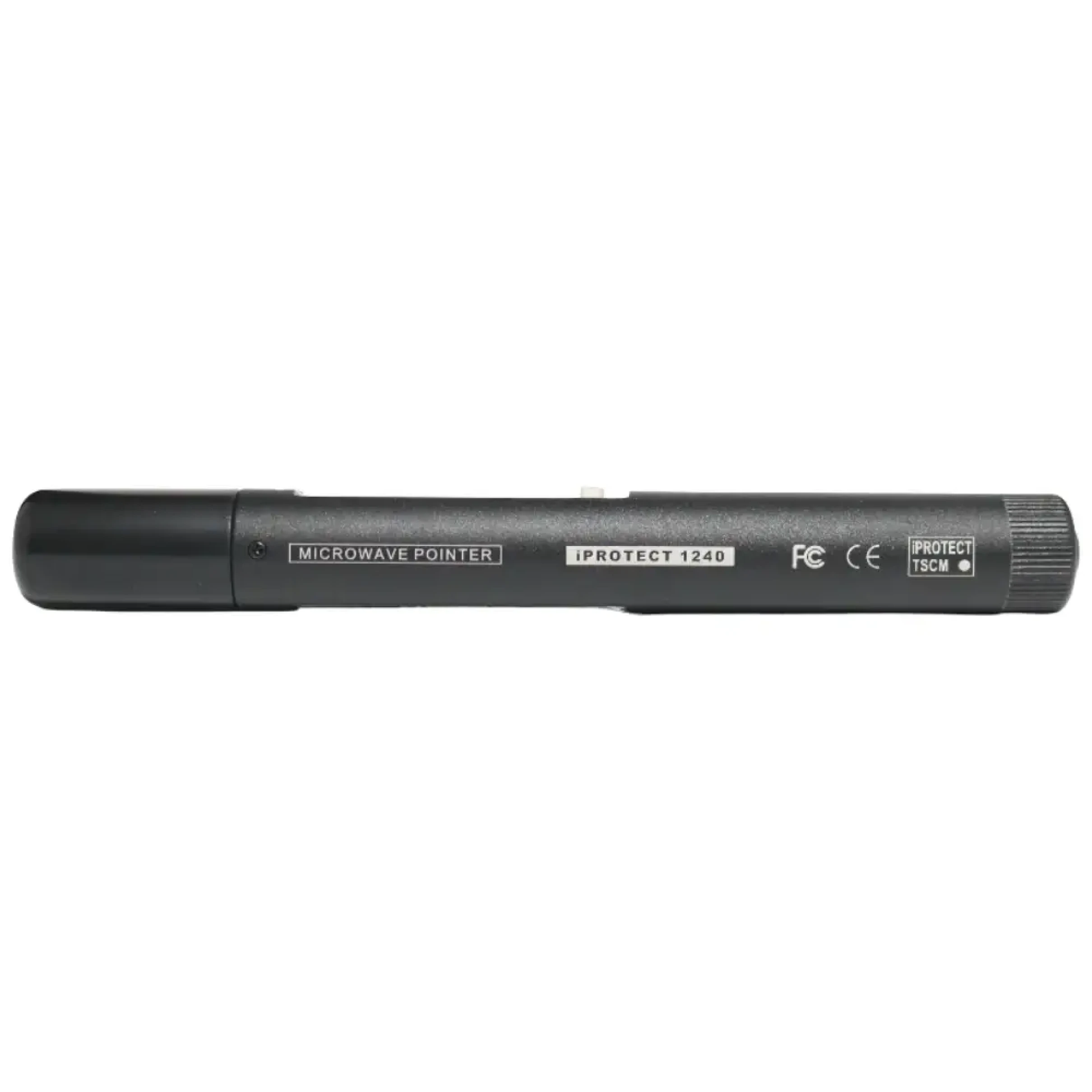
Dimensions: 172 x 19 mm
Current
consumption: 120 – 200 mA
Power: 1 battery AA (LR06)
5G Millimeter-Wave Bands Table:
Japan, South Korea and other Asian countries - Band n257 - Frequency (GHz) 26.50 - 29.50
Europe, Australia and other regions - Band n258 - Frequency (GHz) 24.25 - 27.50
United States - Band n260 - Frequency (GHz) 37.00 - 40.00
United States - Band n261 - Frequency (GHz) 27.50 - 28.35
iProtect 1240 5G mmWave Detector Feature Focus:
Detection of the 5G mmWave Blind Spot - 9 to 44 GHz frequency range
While standard RF detectors cover up to 6 or 12 GHz, which is normally sufficient for most conventional bugging devices, there are several active 5G bands that operate well above that ceiling, in the millimeter-wave range, and any covert device transmitting on those frequencies is completely invisible to standard equipment. The iProtect 1240 was built specifically to fill this gap, covering 9 to 44 GHz and detecting 5G mmWave transmitters, access points, and high-frequency bugging devices using proprietary protocols.
Purposeful Addition to Any Professional Sweep Kit
The iProtect 1240 is not a replacement for your existing RF detector, it is a range expander that completes it. Where standard detector stops, the iProtect 1240 takes over ensuring that no part of the detectable spectrum goes unchecked during a sweep. At a much lower cost of a professional spectrum analyzer and with a simple two-button interface, it brings mmWave detection capability to any sweep kit without requiring specialist training or expensive equipment upgrades.
Dual-Level Bargraph for Detection and Localization on OLED display
The OLED display features 2 bargraphs that serve distinct purposes during a sweep. The Modulation Level (M) is sensitive to amplitude variations and picks up transmitters at longer distances, alerting you that a signal is present. The RF Level (L) then rises predictably and consistently as you physically approach the source, guiding you directly to the transmitter for a physical inspection. Using both together allows you to move efficiently from initial detection to precise locating.
3 Modes for Every Sweep Scenario
The iProtect 1240 operates with 3 operation modes. Silent mode shows only the visual bargraph display, keeping your sweep discreet and undetectable to anyone nearby. Alarm mode adds a tonal audio alert when the RF Level rises, making it ideal for scanning areas where watching the screen is not practical - behind furniture, above ceiling panels, or in tight spaces. Sound mode plays back the amplitude component of the detected signal, allowing experienced operators to identify the type of transmitting device by its characteristic sound pattern. Between the three modes, the iProtect 1240 adapts to any operational environment or operator preference.
Practical, Field-Ready Design
At 172×19 mm and powered by a single AA alkaline battery, the iProtect 1240 is compact enough to carry alongside other sweep equipment. Battery life runs 10 to 20 hours on one cell, and a dedicated LOW BATT LED with on-screen indicator ensures you are always aware of the operation. The duralumin housing is lightweight but robust, built for repeated professional use in real field conditions.
How to use the Digiscan Labs iProtect 1240:
- Power on using the button on the lower battery compartment cap. Battery level is shown on the display at startup.
- Select your operating mode - SILENT, ALARM, or SOUND - using the MODE button.
- Before beginning, disable nearby Wi-Fi routers and switch devices to airplane mode to minimize false triggers from powerful nearby sources.
- Move through the room in one direction (clockwise or counterclockwise). Rotate the detector as you scan to take advantage of the 30° directional antenna.
- Thoroughly inspect the primary working zone - the area around the most frequently used workspace.
- Because millimeter-wave signals penetrate walls poorly, transmitters may be located outside the room. Where possible, also scan from outside through windows and exterior walls.
- When a strong RF Level zone is identified, conduct a physical inspection and disassemble the object if necessary to locate the transmitter.
- Do not stop after finding one device - complete the full sweep before concluding.
Related tools:
If you are looking for a full RF sweep to go alongside your iProtect 1240, the
Delta X G2/12 is the professional sweeping system that pairs with it.
If you don't need the full 12 GHz from Delta G2/12, the
Delta G2/6 is also available in our shop.
In the news:
We recently covered why the mmWave range matters and how the iProtect 1240 fits into a modern sweep kit -
read the full article here.
iProtect 1240 FAQs
What makes the iProtect 1240 different from a standard RF detector?
Standard RF detectors top out at 6–12 GHz. The iProtect 1240 starts at 9 GHz and reaches 44 GHz, covering the entire millimeter-wave spectrum that standard detectors cannot reach.
Can the iProtect 1240 replace my existing RF detector?
No, it is not designed to. The iProtect 1240 covers only 9–44 GHz and cannot detect anything below that threshold. It is a range expander, and for a complete professional sweep it must be used together with a detector covering the sub-9 GHz range.
Will nearby Wi-Fi or Bluetooth cause false alarms?
Generally no. The device is designed to ignore signals below 9 GHz. However, powerful 5 GHz or 6 GHz Wi-Fi sources at very close range may occasionally trigger the detector. To eliminate this risk, disable nearby routers and switch devices to airplane mode before the sweep.
How do I physically locate a detected signal?
Use the RF Level bargraph (L). Unlike the Modulation Level bargraph which can vary inconsistently, the RF Level rises predictably as you approach the transmitter. Move slowly, rotate the detector to use the directional antenna, and follow the rising signal to its source.
What is SOUND mode used for?
SOUND mode plays the amplitude component of the detected signal through the speaker. Experienced TSCM operators can identify the type of transmitting device from its sound pattern — for example, distinguishing the cadence of a cellular data burst from a continuous audio transmitter.
What battery does it use?
One standard AA alkaline battery (LR06). Alkaline only, do not use rechargeable NiMH cells. The device shows battery level on startup and activates a LOW BATT LED and on-screen warning when replacement is needed.
Can the iProtect 1240 detect bugs through walls?
Millimeter-wave signals have very poor penetration through solid walls, this is a physical property of the frequency range. Transmitters in adjacent rooms will generally not be detectable through walls. Where possible, supplement your indoor sweep by scanning from outside through windows and exterior walls.
What is the expected detection range?
Typically 30 cm to 3 m, depending on the transmitter's output power and the alignment between its antenna and the iProtect 1240's antenna. Stronger transmitters will be detected at greater distances.
Can the iProtect 1240 detect all types of 5G signals?
No, the iProtect 1240 covers only the millimeter-wave portion of 5G, specifically bands n257, n258, n260, and n261 (24.25–40 GHz depending on region). Sub-6 GHz 5G bands fall within the range of standard RF detectors and are not its intended purpose. For complete 5G coverage, use it alongside a standard detector covering the sub-6 GHz range.
How is the iProtect 1240 different from a spectrum analyzer?
A professional spectrum analyzer covering 9–44 GHz costs several thousand euros, requires technical expertise to operate, and is impractical to carry through a room during a sweep. The iProtect 1240 delivers targeted mmWave detection in a pen-sized device with a simple bargraph display that any trained operator can use immediately.
Note:
For detailed info on the specifications and use of the device, please read the PDF available for download below.
24 Months Warranty
>>Download detailed specifications (PDF)<<